
A package is a UML construct that enables one to organize model elements, such as use cases or classes into groups.
A package diagram depicts two or more packages and their dependencies between them.
Packages are depicted as file folders and can be applied on any UML diagram.
Package diagrams are created to serve the following purposes.
- Depict a high level overview of your requirements.
- Depict a high level overview of your design.
- Logically modularize a complex diagram.
- Organize a source code.
- Model a frame work.
Symbol of a package.
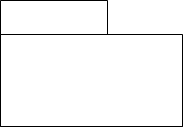
Types of packages
- Members are not shown
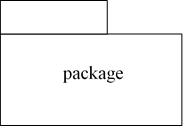
2. Members within the borders of the package
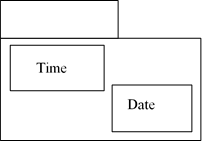
3. Some members are shown with a notation
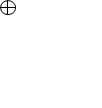
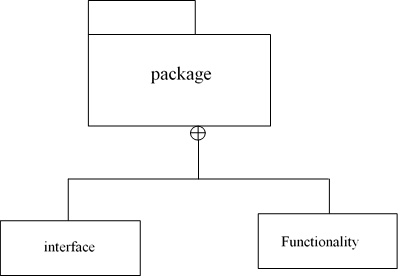
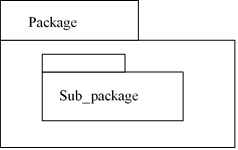
4. Nested packages
Relationships used in package diagrams
The following are relationships which are used in package diagram
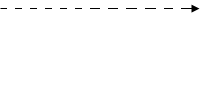
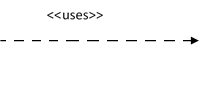
- Dependencies
This is a type of a relationship in which package A depends on package B, if A contains a class which depends on a class in B.
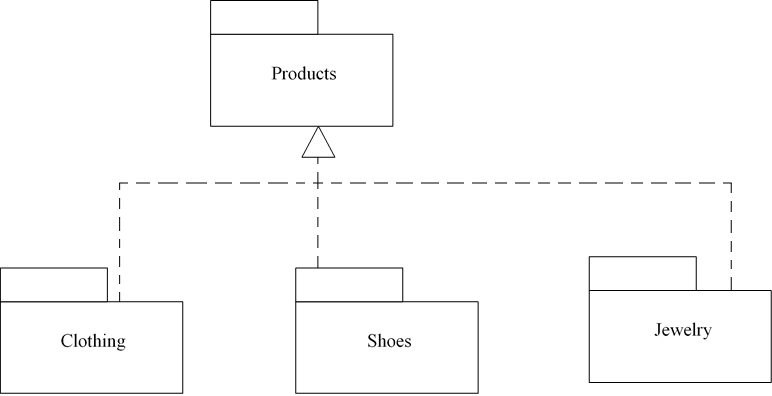
- Implementations
This type of a relationship is meaningful if multiple variants are present.
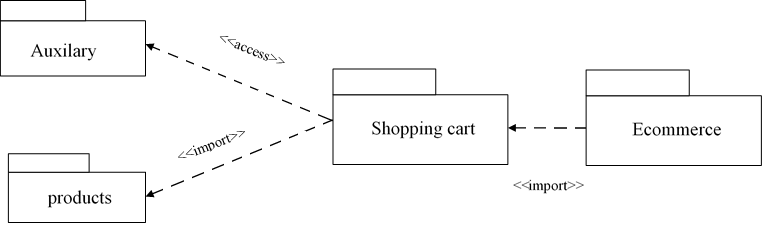
- Import/access
This is a directed relationship that identifies a package whose members are to be imported.
<<import>> this is used if package import is public
<<access>> this is used if package import is private
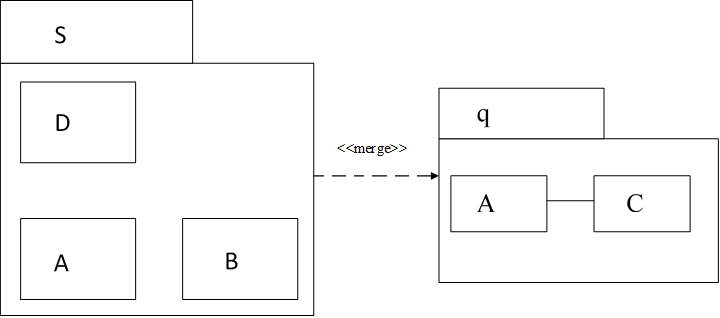
- Merge
This indicates that the content of the two packages are to be combined.
Merge is possible if
- There is no cycle on merge dependencies.
- Receiving package does not contain the merged package.
- Receiving package is not contained in the merged package.
- Receiving element cannot have references to the merged element.
- Matching typed elements should have the same type (class) or a common supertype (superclass)
 Study with Jamila